Doomscrolling ends here.
Stryct is the app and website blocker that locks your worst distractions down and doesn't let you talk your way out early. Block instantly, put it on a schedule, or give yourself a daily limit. Then it's out of your hands.

You pick up your phone. You don't remember why.
That's the loop. Nothing decided it. Your thumb just knew where to go. A notification, a lull, a bad moment, and you're forty minutes deep in a feed you didn't choose to open.
Willpower loses to that loop almost every time, because the loop doesn't ask permission. Stryct doesn't try to out-willpower it either. It just removes the option to keep going.
How Stryct works
Four ways to make distraction unavailable.
Pick the mode that fits the moment. Every one of them locks your Blocklist down for the full duration, no snooze, no skip.
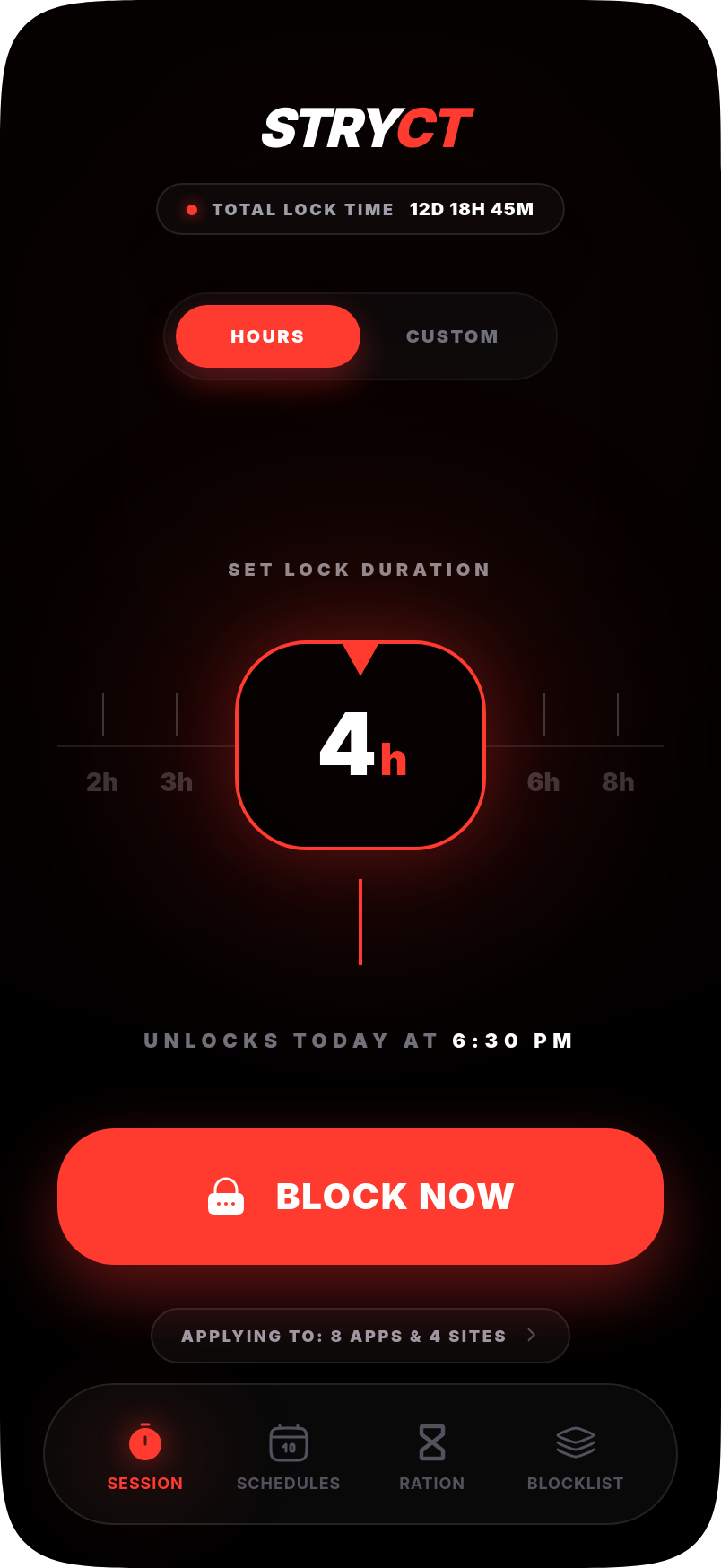
Lock it down instantly.
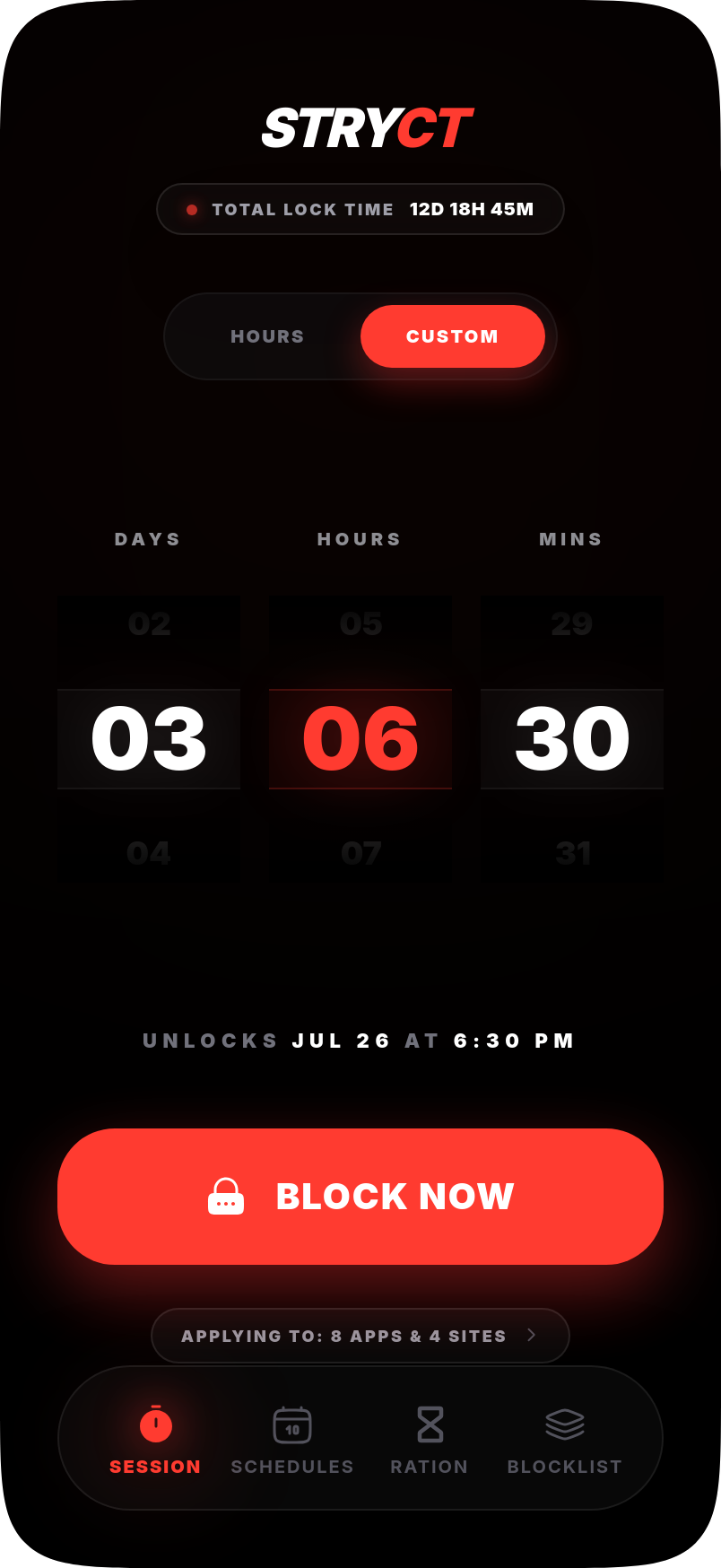
Need to focus right now? Set a duration anywhere from 15 minutes to 30 days and hit Block Now. Your Blocklist goes dark immediately, no grace period, no "just one more scroll."
- Hours, days, or weeks, your call
- Tracks total lock time earned
Set it once. Zero willpower required.
Build recurring windows that lock automatically: a Sleep Protection block from 9pm to 5am, a Morning Focus block before 9am, whatever your day actually needs. Once it's set, you never have to remember to turn it on again.
- Pick the days, pick the hours
- Runs in the background, every week
.png)
A budget for your worst apps.
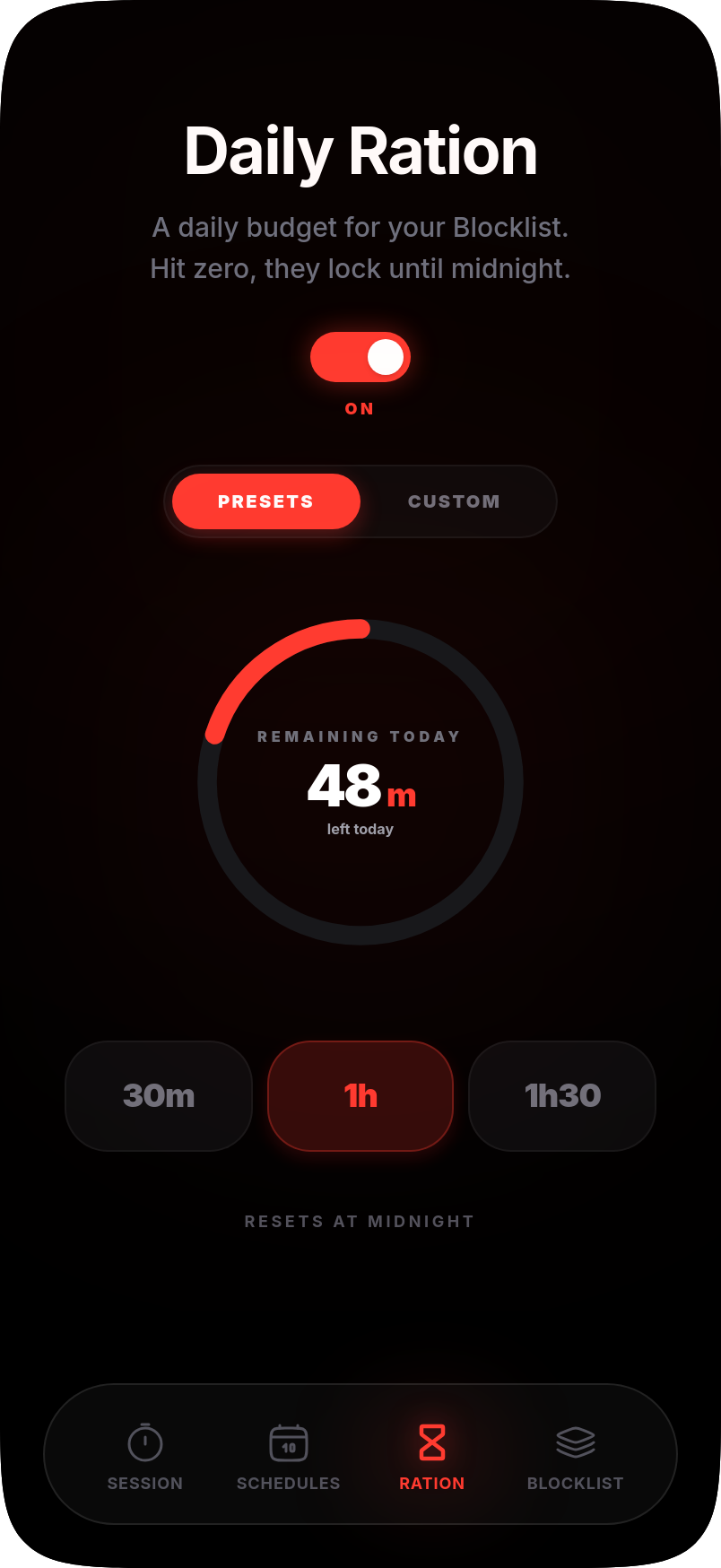
Instead of an all-or-nothing block, give your Blocklist a daily time budget. Spend it however you want throughout the day. The second it hits zero, everything on the list locks until midnight.
- Preset budgets or a custom amount
- Resets automatically at midnight
Choose your line in the sand.
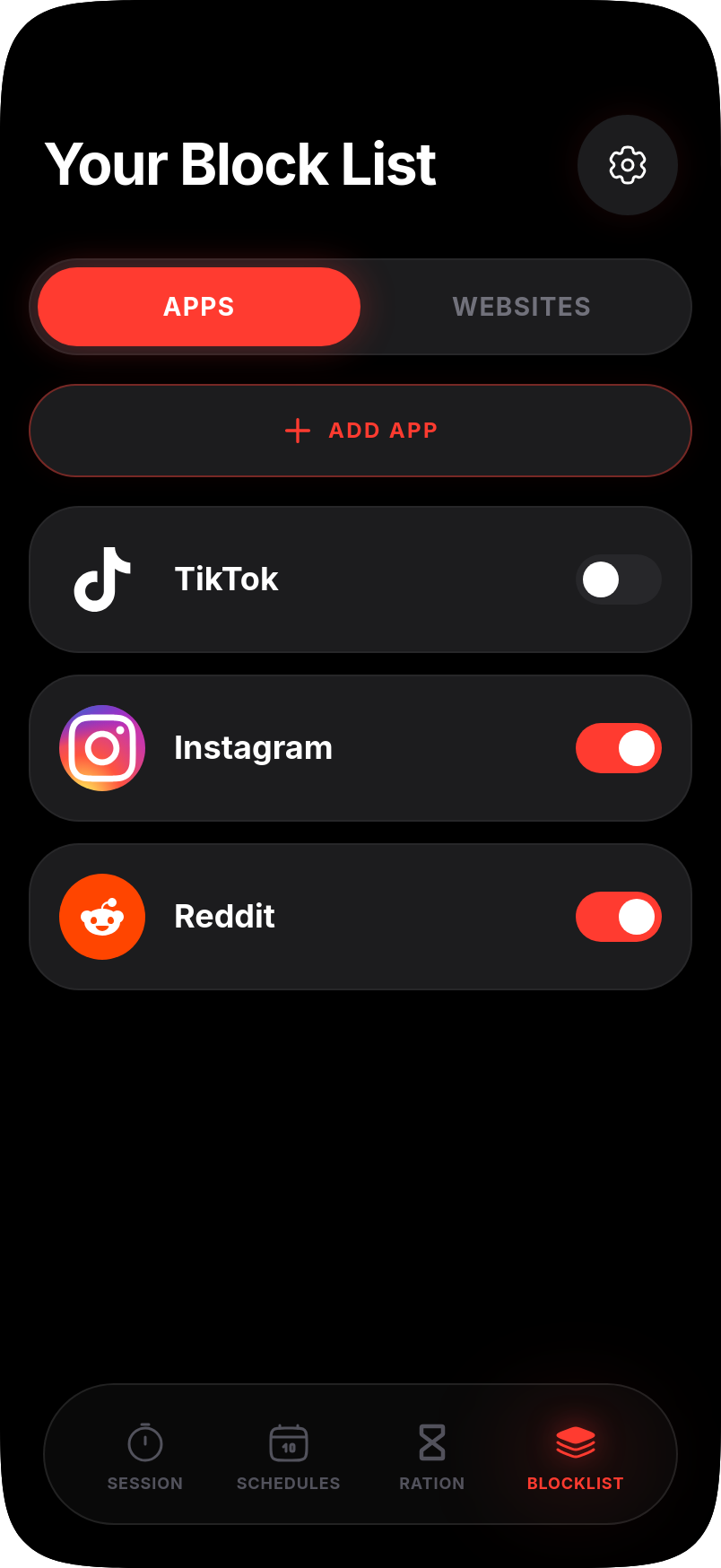
Add exactly the apps and websites that get you: TikTok, Instagram, Reddit, or any site by URL. Stryct can also block known adult content sites automatically. Once you turn that on, it's on for good, there's no switching it back off.
- Apps and websites, toggled separately
- Automatic adult content blocking
Why it actually works
Built so you can't talk yourself out of it.
Every other blocker has a back door: a snooze button, a five-second override, an easy uninstall. Stryct is designed without one.
Can't uninstall. Can't cheat.
Once a session is running, there's no in-app pause button and no early exit. Uninstall protection stops you from deleting your way back to your feed mid-session. The countdown is the only way out, because that's the only thing that actually works.
Stryct is a commitment device by design. It's meant to be the decision your calmest self makes for your worst 11pm self.
"I got my brain back. I didn't know how badly I needed that."Alex R., Stryct user
Pricing
Try it free. Keep it if it works.
Yearly plan opens with a 3-day free trial. No payment due today, cancel anytime before it ends.
Yearly
Monthly
Available on the App Store · iPhone only for now
Questions
Before you lock in.
What does Stryct block?
Can I stop a session early?
Does Stryct work on Android?
Is there a free trial?
What happens if I hit my Daily Limit?
Can I delete the app to get around it?
Your next scroll doesn't have to happen.
Download Stryct, build your Blocklist, and give your calmest self control over your worst moments.